
Operating your Motorized Awning or Drop Shade
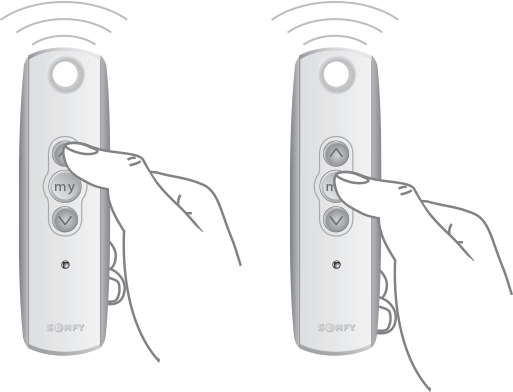
For the Telis 1 RTS Transmitter only:
1. Use the UP ( ) or DOWN (
 ) buttons to open or close the awning or drop shade. If a specific position is necessary, briefly press the “my” (
 ) (stop) button to stop it once the desired position is reached.
For the Telis 5 RTS Transmitter only:
1. Using the Telis 5 remote, select the appropriate channel using the Channel Selector button. (The LED lights will illuminate each time the Channel Selector button is pressed, indicating the selected channel.)

2. Use the UP () or DOWN () buttons to open or close the awning or drop shade. If a specific position is necessary, briefly press the “my” () (stop) button to stop it once the desired position is reached.